Image & asset specs
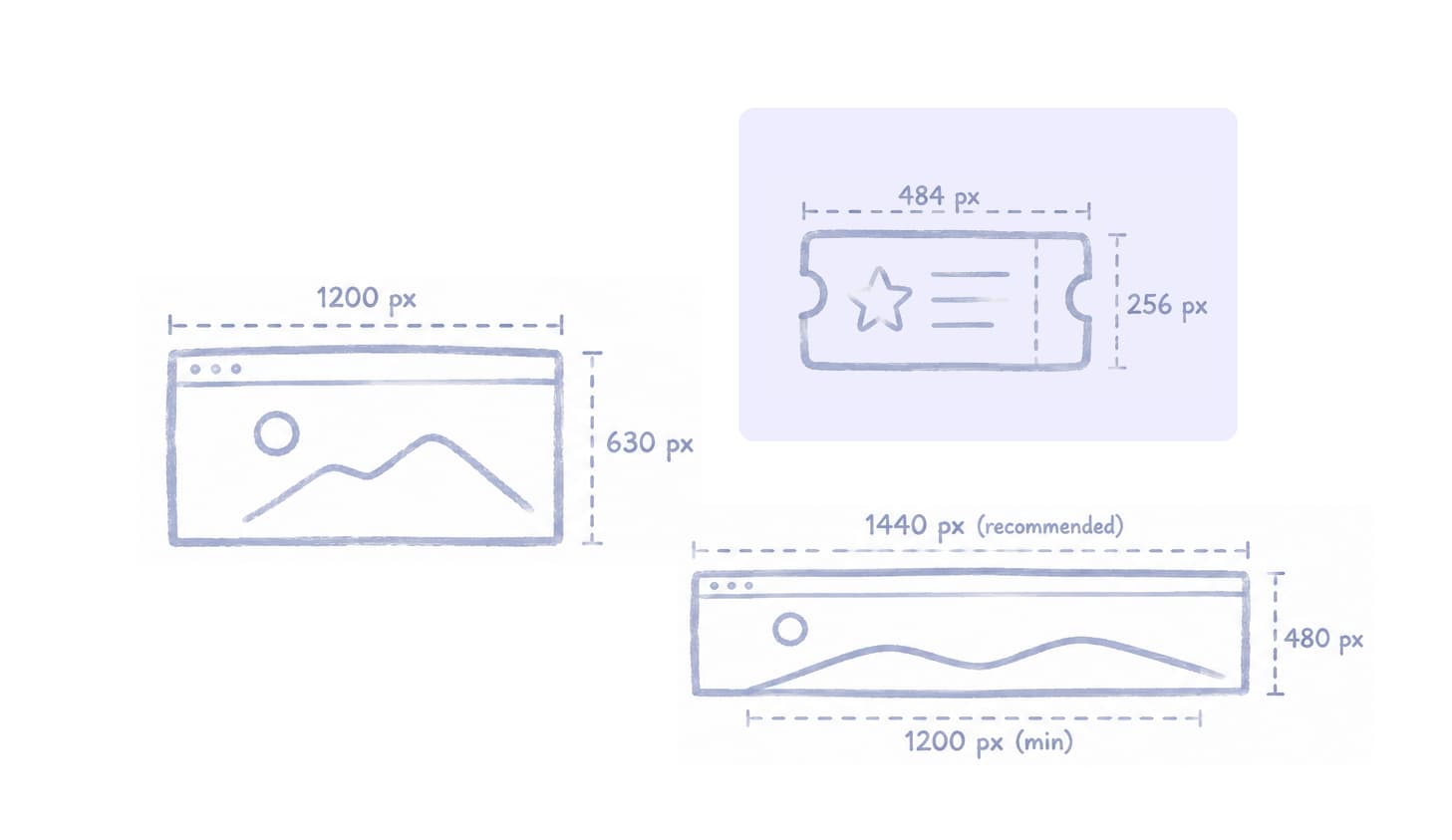
Ticket background
Used on the ticket card in Ticket Booth and Ticket Design. Pick from Assets.
Property
Value
Recommended size
484 × 256 px
Aspect ratio
~1.89:1 (about 19:10)
Format
JPG, PNG, or WebP
Max file size
5 MB
For layout, safe areas, and visual examples, open the Typid Templates Figma file.
Ticket Booth hero
Hero banner on the public Ticket Booth. Keep the subject in the middle third, since the left and right edges crop on mobile.
Property
Value
Recommended size
1440 × 480 px
Min size
1200 × 400 px
Aspect ratio
3:1
Format
JPEG or WebP
Merch product image
Merch items use a Name, type (Shirt or Other), and size inventory (XS–XXL). There is no separate merch product photo field. Use the Assets library for Ticket Booth and ticket card imagery instead.
Assets library
Booth Editor Assets tab. Click Upload images. Shared across your events. Videos and fonts are listed as coming soon.
Property
Value
Formats
JPG, PNG, or WebP (saved as WebP)
Max per file
5 MB
Library cap
1 GB
Social share (OG)
In Booth Editor, open Website Settings and set Social sharing image. Recommended size: 1200 × 630 px. Metadata changes go live only after publishing. If you leave it empty, it can inherit from your organization profile.
Property
Value
Size
1200 × 630 px
Aspect ratio
1.91:1
Format
JPEG or WebP